Battery claims versus battery reality
Manufacturers measure battery life by playing video at low brightness, which is roughly as demanding as watching a very slow aquarium. Real life, with browser tabs, video calls and a bright screen, is harsher. As a rule of thumb, take the claimed hours and subtract a third.
So to get eight real hours, look for a claim of twelve or more, and check independent tests. Review sites such as Notebookcheck and RTINGS run standard web-browsing tests that are much closer to a student day.
Small habits that add hours
Dim and tidy
Screen brightness is usually the biggest drain. Drop it a notch or two, use dark mode on OLED screens, and close the forty tabs you promised to read.
Use the power mode
Windows and macOS both have battery saver modes. Switch them on for lectures, and off when you need full speed for a render or a compile.
Keep it cool
Heat ages batteries. Do not leave the laptop on a duvet or in a hot car, and let it breathe on a hard surface. A foldable stand helps airflow too.
Looking after battery health
Lithium batteries prefer to live between roughly 20 and 80 per cent. You do not need to babysit that, but most makers now help: Apple has Optimised Battery Charging, Lenovo has a conservation mode in its Vantage app, and ASUS offers Battery Health Charging in MyASUS.
If your laptop spends most of the term plugged in at a desk, switching on a charge limit is a free way to keep the battery healthy into your final year.

Chargers and power banks
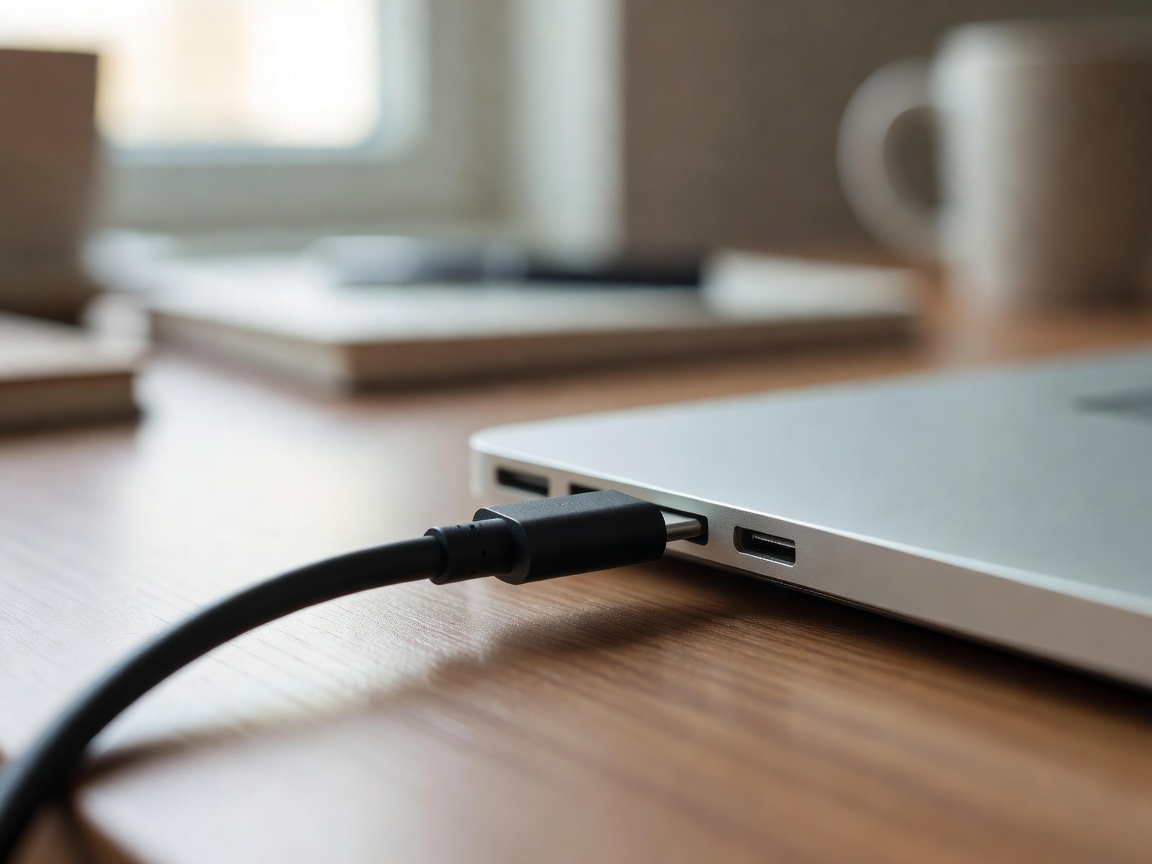
Check whether your laptop charges over USB-C Power Delivery. If so, a 65-watt GaN charger from Anker or UGREEN is small, quick and also charges your phone and tablet. A second charger for your bag means you never leave one behind.
A power bank can rescue a long day, but only a bank with USB-C Power Delivery output of 60 watts or more will charge most laptops properly. Avoid unbranded cables, since a bargain cable can slow charging or, worse, misbehave.
The exam-season kit list
Buy these in order of usefulness and ignore anything with RGB lighting.
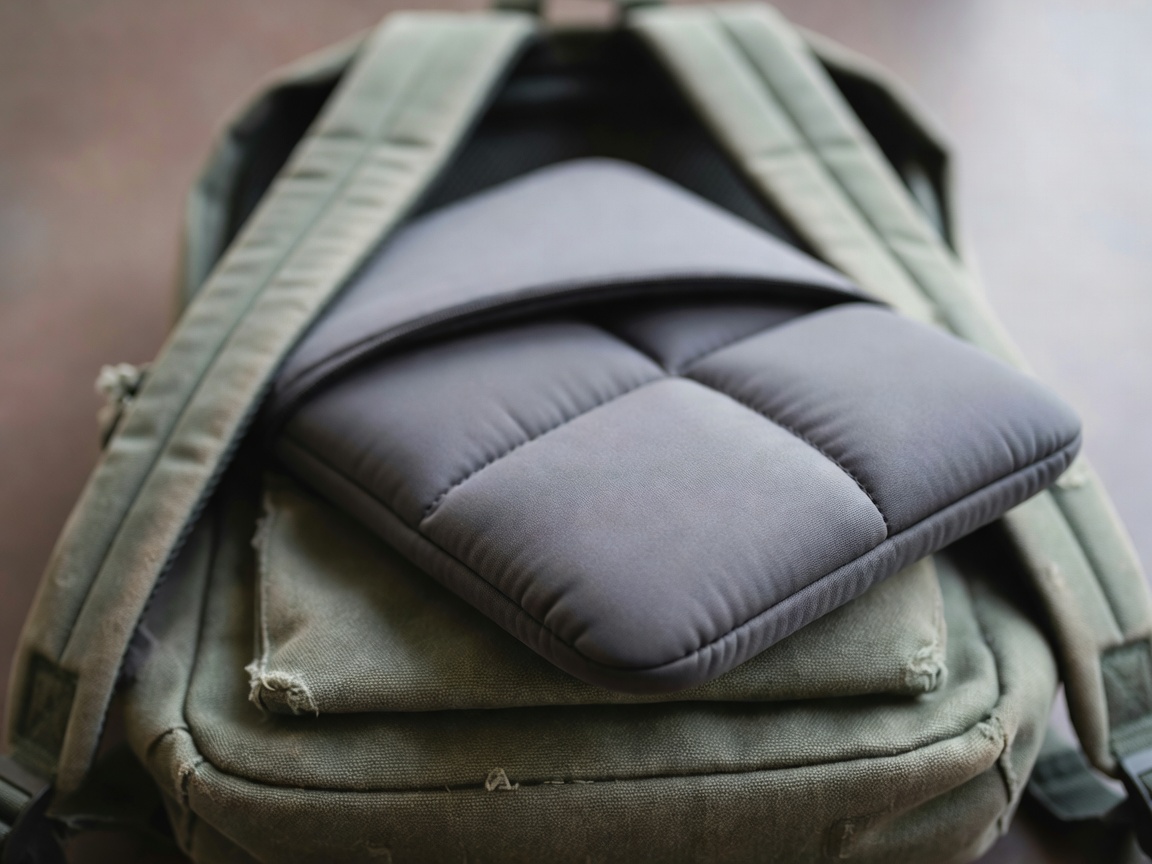
Padded sleeve
Protects against knocks and lets you move the laptop between bags. Cheap, and worth every penny.
Mouse
A compact Logitech such as the MX Anywhere 3S, or a budget M330, makes long sessions much kinder to your wrist.
External SSD
A portable drive such as the Samsung T7 gives you a second copy of your dissertation and room for media projects.
USB-C hub
A slim hub from Anker or similar adds HDMI and USB-A ports on thin laptops. Handy when the projector is older than you.
Headphones
Noise-cancelling headphones such as the Sony WH-1000XM5, or a budget set like the Soundcore Q30, turn a noisy hall into a study room.
Laptop lock
A Kensington-style cable lock gives peace of mind in shared houses and busy study spaces.
Back it up and track it
Follow the simple 3-2-1 rule: three copies, on two kinds of storage, with one off-site. In student terms, that means your laptop, an external SSD and your university cloud storage.
Turn on Find My on a Mac or Find My Device on Windows today, not after the bag goes missing. Check whether your home contents insurance, or a parent's policy, covers the laptop away from home. Pair this with a lightweight carry setup and you are ready for finals.