Why every kilo counts by week eight
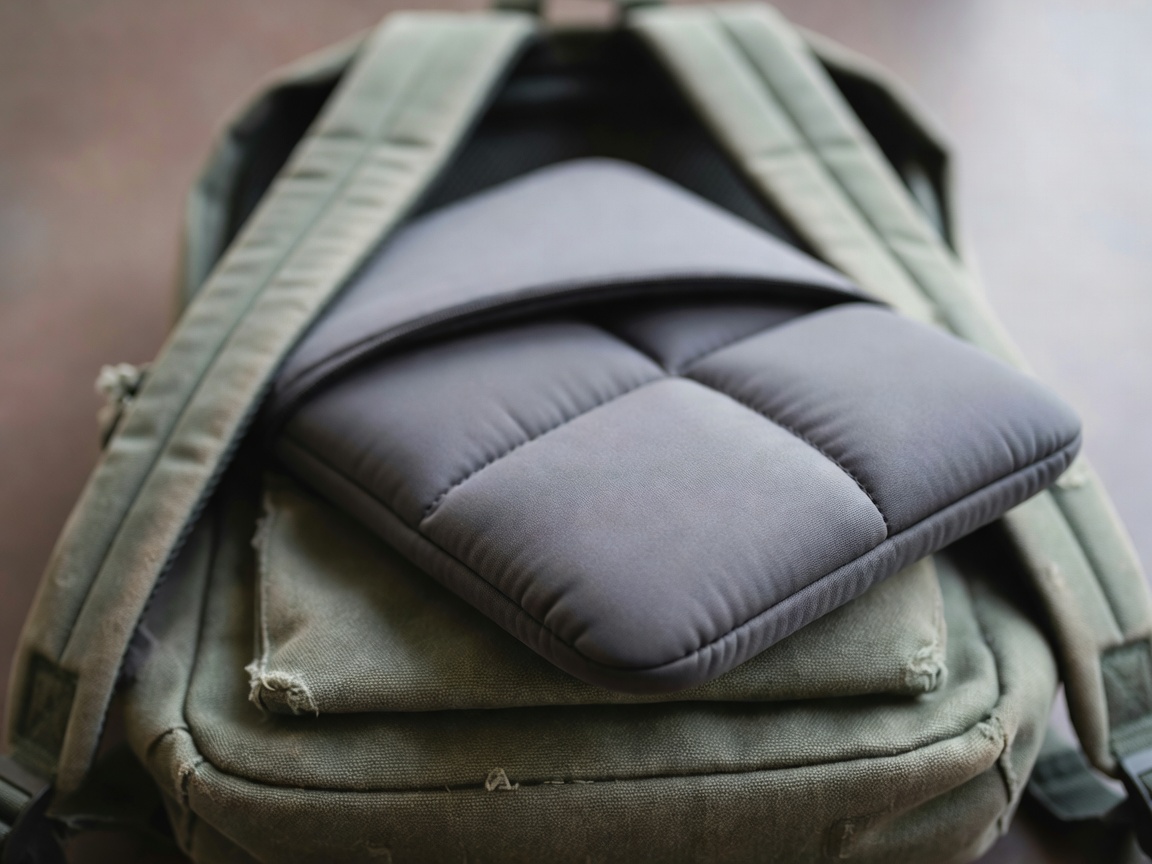
Do the maths. A 1.9 kg laptop, a 400 g charger and a couple of textbooks add up to roughly 3.5 kg, which you will carry across campus several times a day, and more often in deadline weeks. Your shoulders will file a formal complaint around November.
Dropping to a 1.2 kg laptop and a compact charger trims close to a kilogram. That is a bag of sugar you no longer haul to every seminar, and it is the cheapest upgrade your back will ever get.
Three weight bands, explained
Weights vary by configuration, so treat the figures below as friendly estimates.
Ultralight
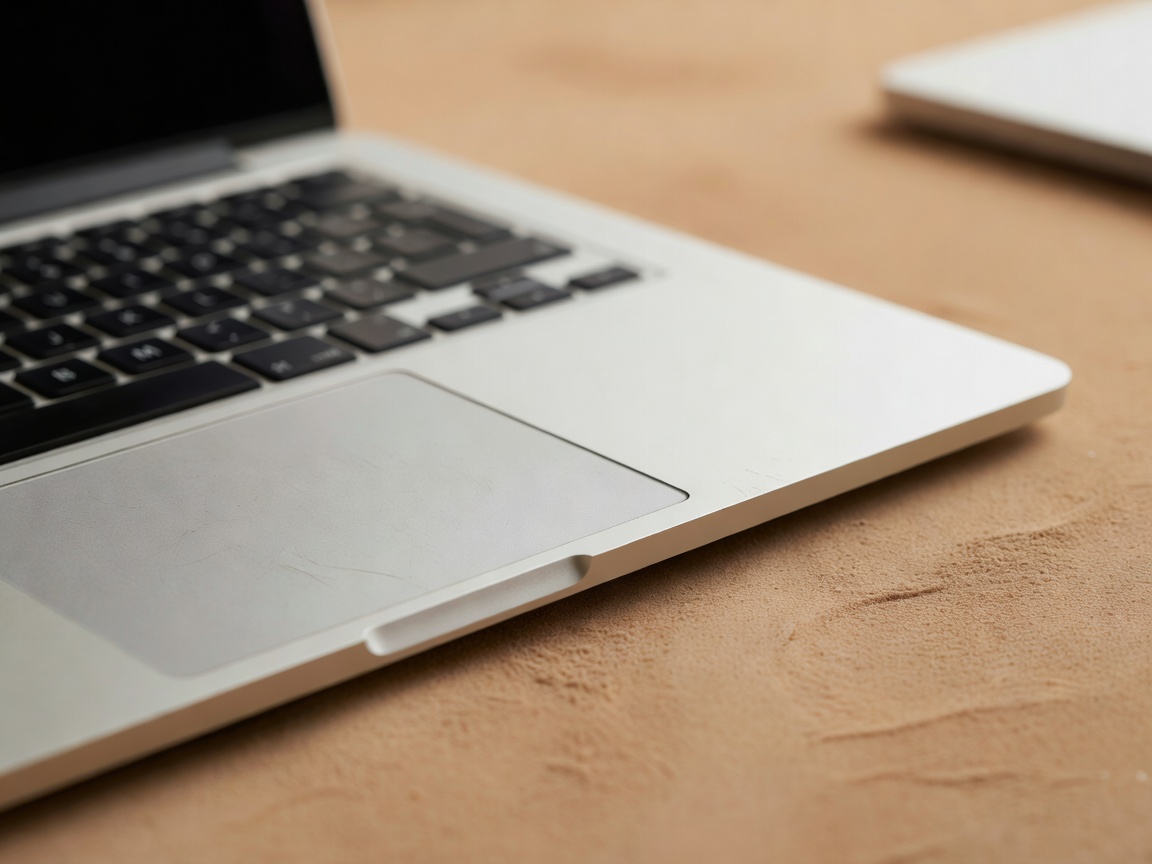
Ideal if you walk or cycle to campus. Examples include the LG gram 14 (around 1 kg), the MacBook Air 13-inch (about 1.24 kg), the ASUS Zenbook 14 OLED and the Dell XPS 13.
Sensible middle
A bigger screen or more ports without a big weight penalty. The Lenovo ThinkPad E14 and Lenovo IdeaPad Slim 3 live here, and both are comfortable all-day companions.
Desk-bound
Gaming laptops and 15.6-inch workstations. Magnificent on a desk, but you will plan your whole day around them and resent every staircase.
Thirteen, fourteen or fifteen inches?
A 13-inch laptop is the easiest to carry and fits on the tiny flip-down desks in older lecture halls. A 14-inch model is the sweet spot for most students, with room for two windows side by side and often a taller 16:10 screen that shows more of each page.
Fifteen inches gives roomy spreadsheets but adds weight and a bulkier charger. If you will mostly work in your room, a 13-inch laptop plus a monitor later is a neat compromise.
The weight you forget: chargers and bags
Many laptops now charge over USB-C, so a 65-watt GaN charger from a brand such as Anker or UGREEN can weigh a fraction of the original brick and also charge your phone. Buy one for your bag and leave the other at home.
Choose a backpack with a padded laptop compartment against your back, wide straps and a chest strap. Pack heavy items close to your spine, because a laptop swinging at the bottom of the bag feels twice as heavy. A padded sleeve adds only 150–250 g and protects against the daily knocks.
Light does not mean fragile
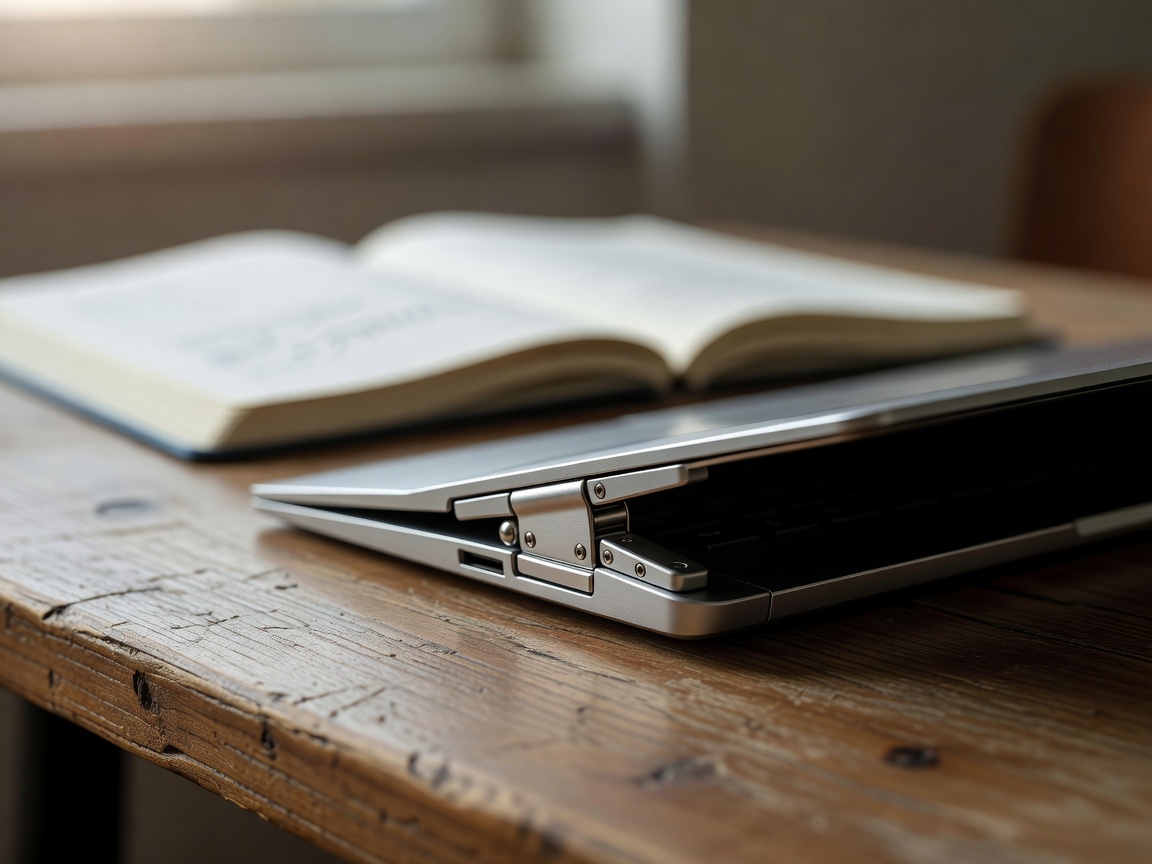
Magnesium and aluminium chassis keep modern thin laptops surprisingly stiff, and many, including the LG gram and the ThinkPad X1 Carbon, are tested against MIL-STD-810H standards for drops and vibration.
Still, check in a shop if you can. Open the lid with one finger, press the keyboard deck, and twist the corner gently. A firm hinge and a stiff base are signs the laptop will survive a year of bags, buses and boomerang library trips. When you are happy, read our battery and accessories guide.